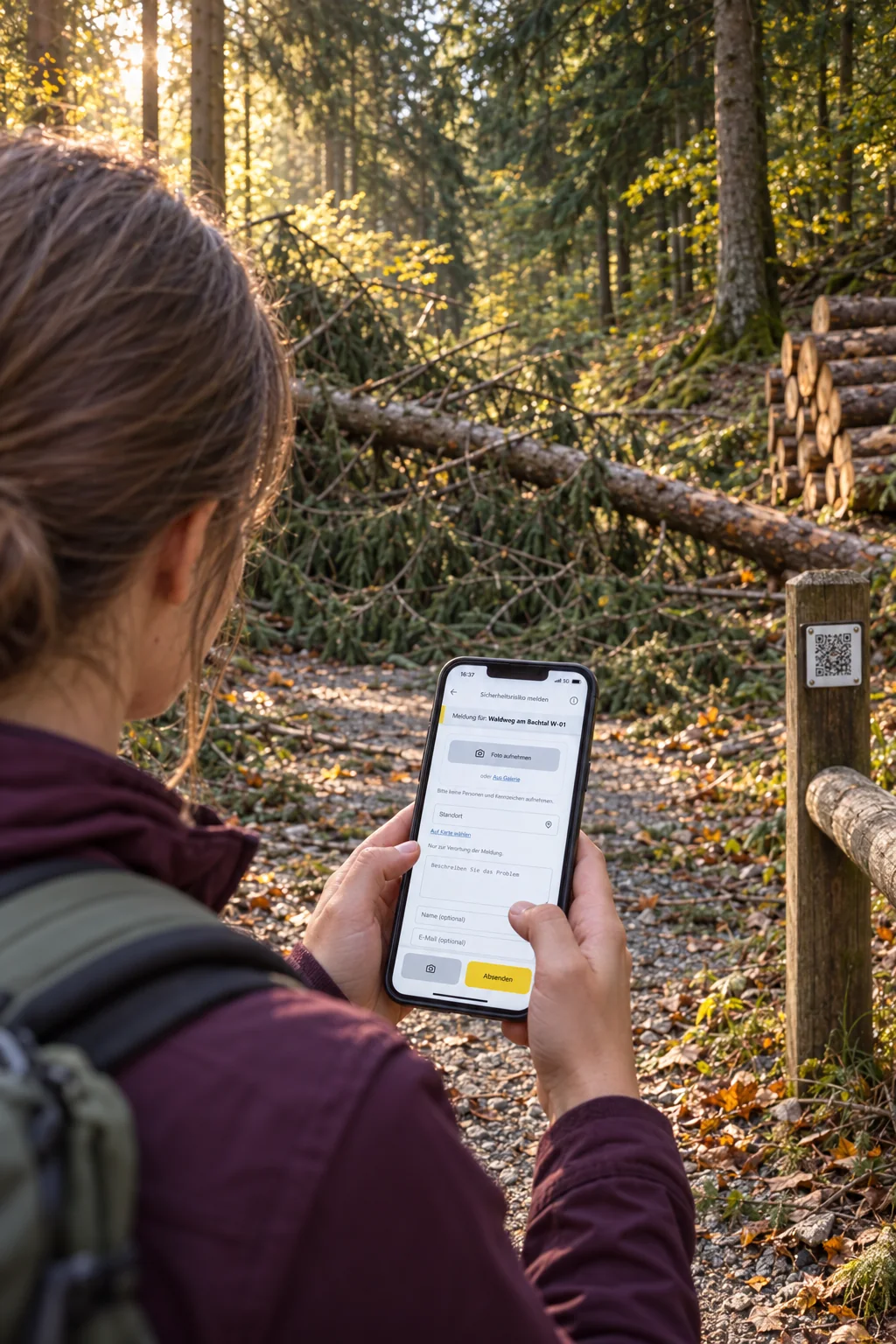
Forest roads, barriers, fire pits and machines are spread across the district. Record them as assets and link the relevant reports and tasks. QR labels take people on site to the right entry. The operations manager plans the jobs, and the team records the work carried out.
After the scan
Get informed. Then get involved.
A QR code opens the public asset page. People can find information about the place and start a report if needed.
Example · Public asset page
Forestry operation
Forest road in the communal forest
You are on a managed forest road. Please observe the barriers while felling is under way. Is a tree blocking the way or a sign damaged? Share your report with us.
Yes. Start with the scope your team needs for everyday work. Modules such as tasks, inventory and files can be enabled for each installation. There are no per-user fees.
Can we create our own tasks without a public report?
Yes. The team can create internal tasks directly, assign them to a person and set a due date. They are organised in the same workspace as incoming reports.
Can equipment and facilities be linked to reports?
Yes. Inventory assets can have their own QR labels. A report started from a label retains its link to the asset; linked reports and tasks remain accessible from that asset's entry. The inventory also supports recording check-outs and returns.
The current platform requires an internet connection. Offline capture with later synchronisation is a possible extension that would need to be planned separately. It is not currently included as standard.